Answers with context
Live data
Ask using CRM, Projects, eSign, and Invoice information.
AI assistant for professional services firms — team messaging with agents that answer using CRM, Projects, eSign, and Invoice information.
Connected Workplate context — answers that sit next to the work your team already manages.
Why connected AI beats a bolted-on chat
Live data
Ask using CRM, Projects, eSign, and Invoice information.
Seconds
“Where is Acme this week?” without assembling five tabs.
1 ask
Summaries and follow-ups where the team already talks.
RBAC
AI respects role-based channel and data boundaries.
Generic AI can’t see your engagements. Connected modules can.
Turn conversations into tasks, pins, and follow-ups.
Natural-language answers reduce the need for narrated updates.
Keep conversations close to the work and bring an AI teammate into the thread when the team needs context, a summary, or a next step.
Query live engagement context instead of pinging three people.
AI context guide →Compress noise; keep the commitment visible.
Reminders and client notes drafted in-channel.
Turn talk into owned work in Projects.
Ask for engagement status without assembling five tabs.
Summaries and follow-up drafts where the team already converses.
Turn chat into owned tasks without losing the decision thread.
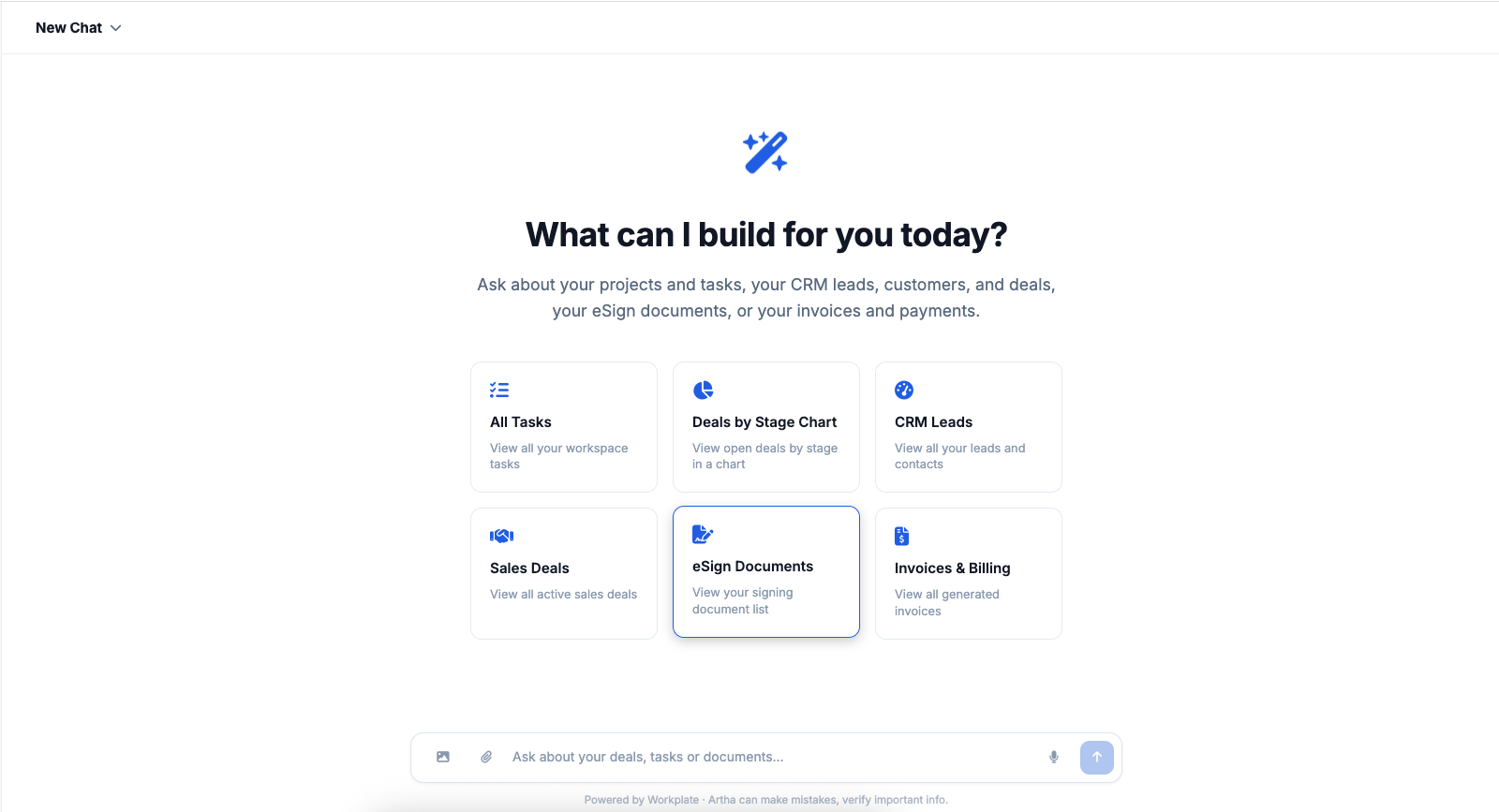
Real product views: home prompts, deal charts, and answers in-thread. Click a shot to enlarge.
How team channels, connected work, and AI agents come together inside Workplate.
A focused walkthrough of team messaging and AI assistance for professional services work.